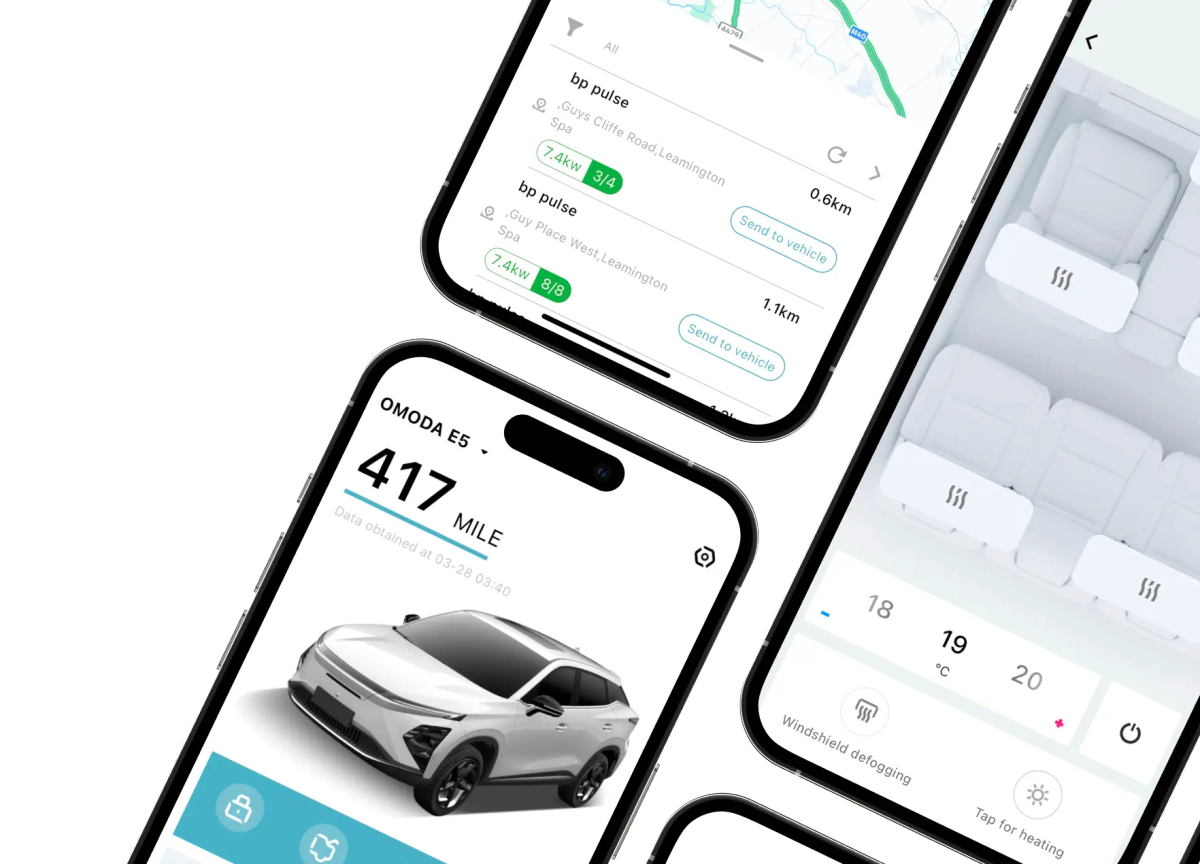



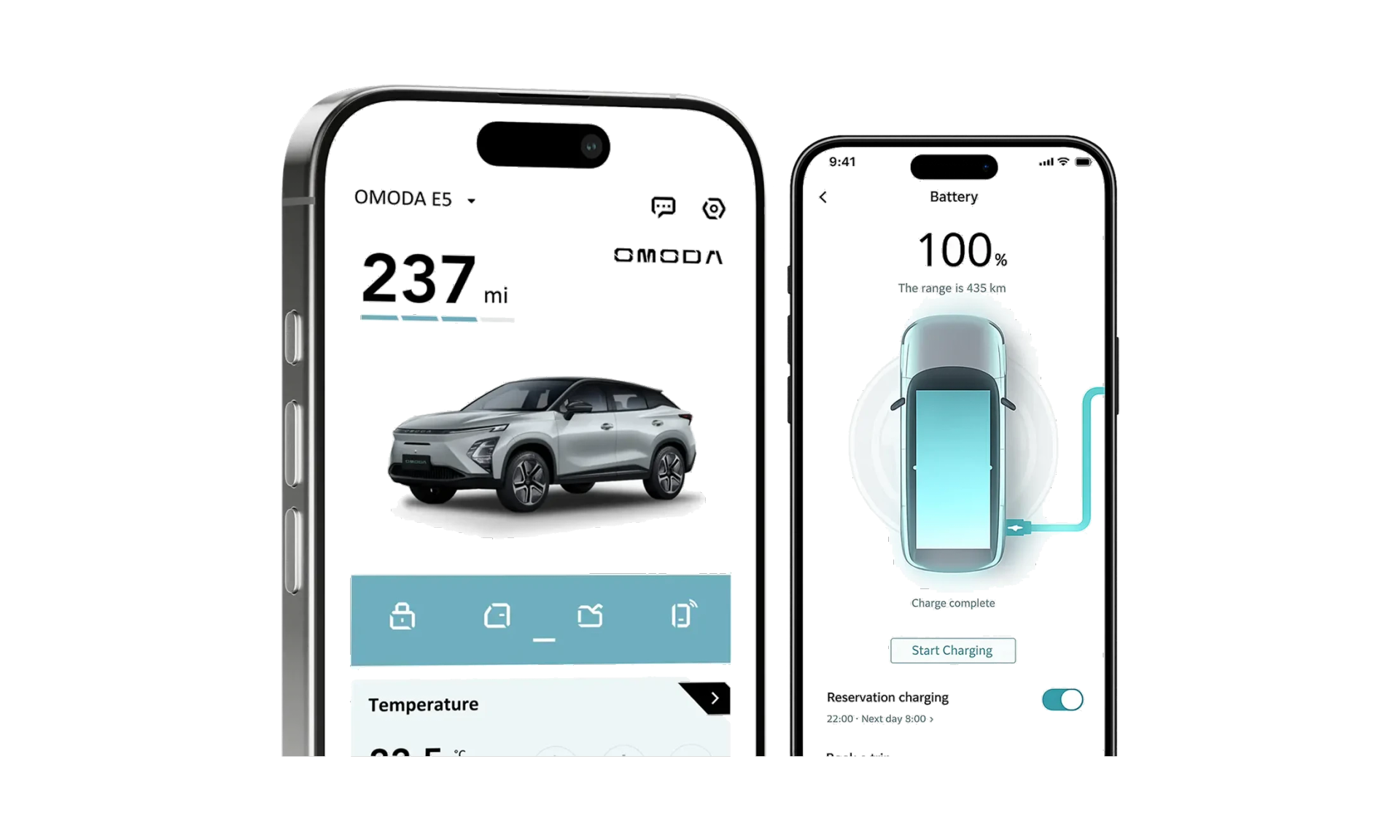
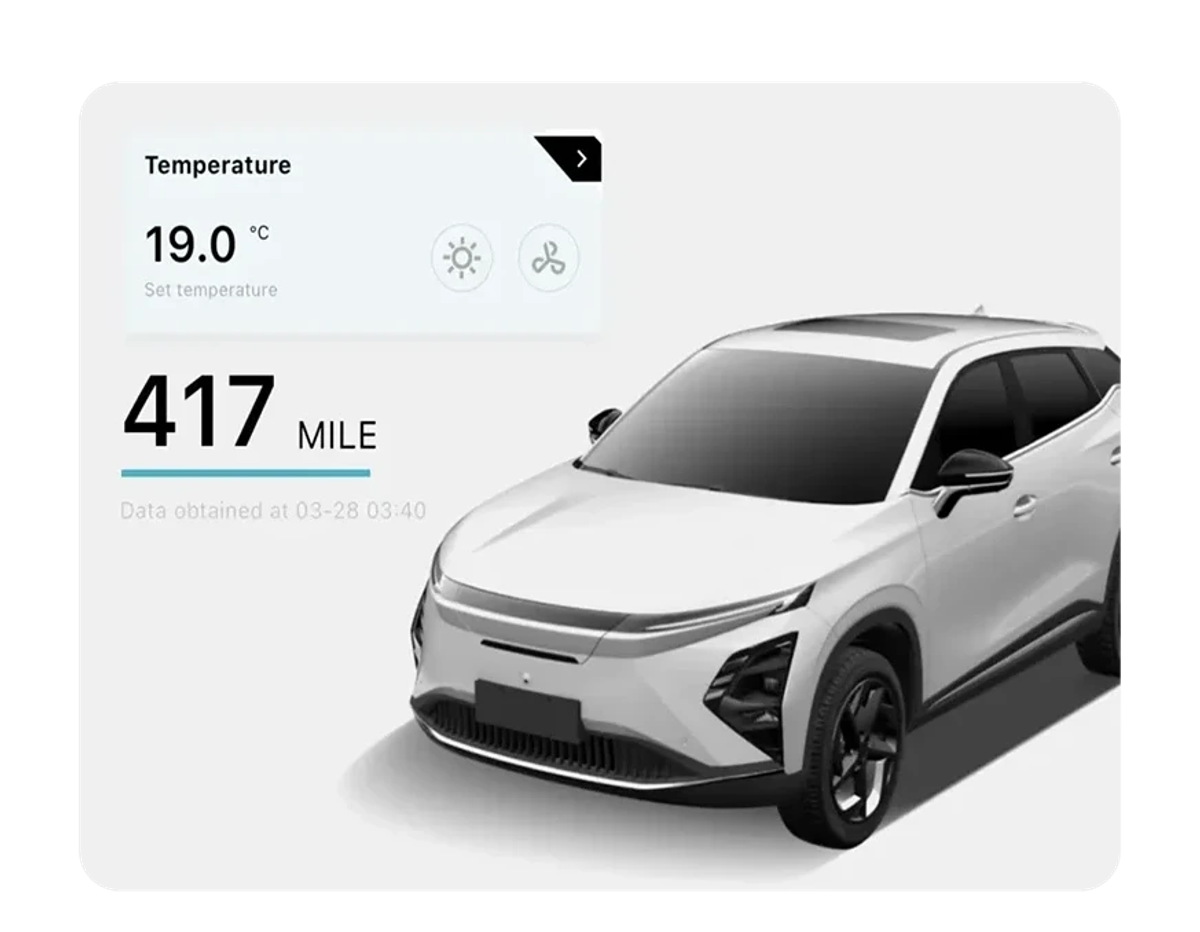
You can easily check the battery level and range, and internal temperature.

Discover Our App
The app is available exclusively for EV and SHS-P models.
App Notices
We are currently updating our app, and during this time some users may experience temporary disruption when logging in.
Our team is actively working to complete the update as quickly as possible. We will provide an update here once this has been finalised. Thank you for your patience and understanding.
OMODA App Features
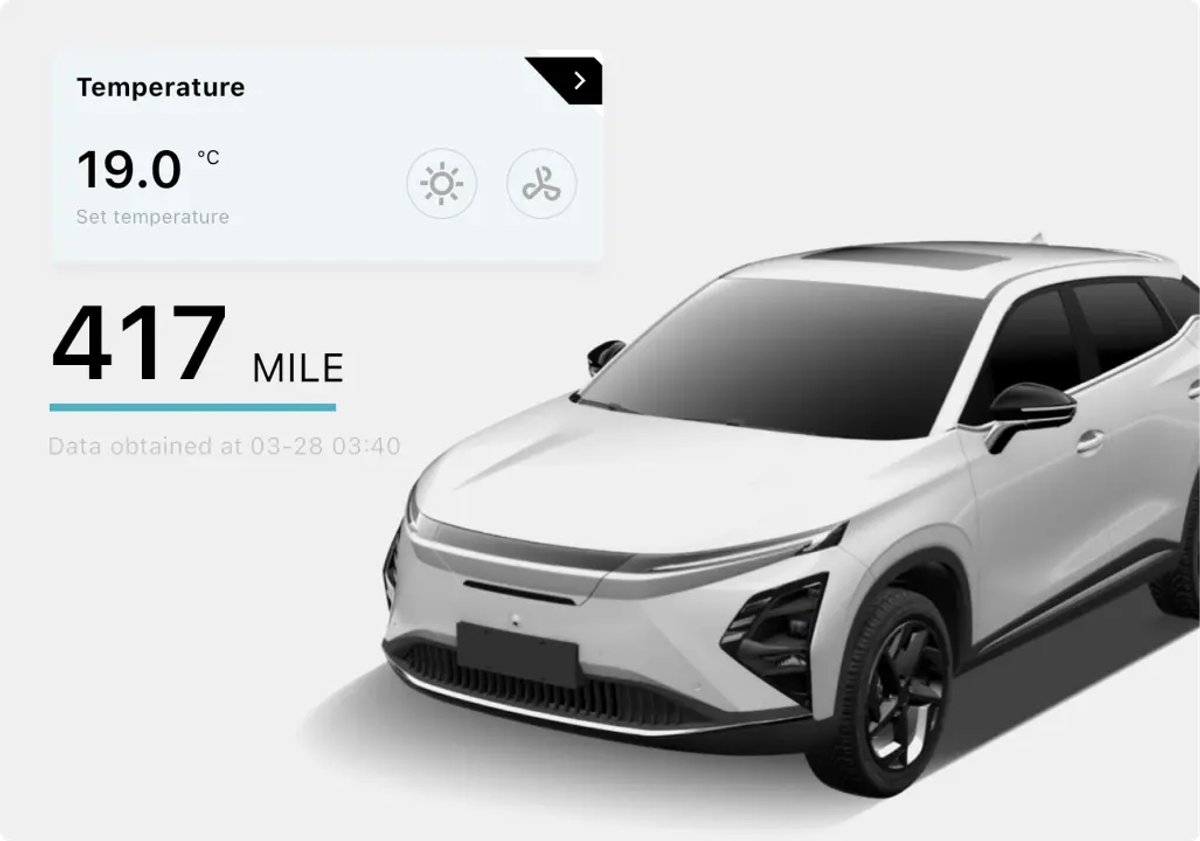
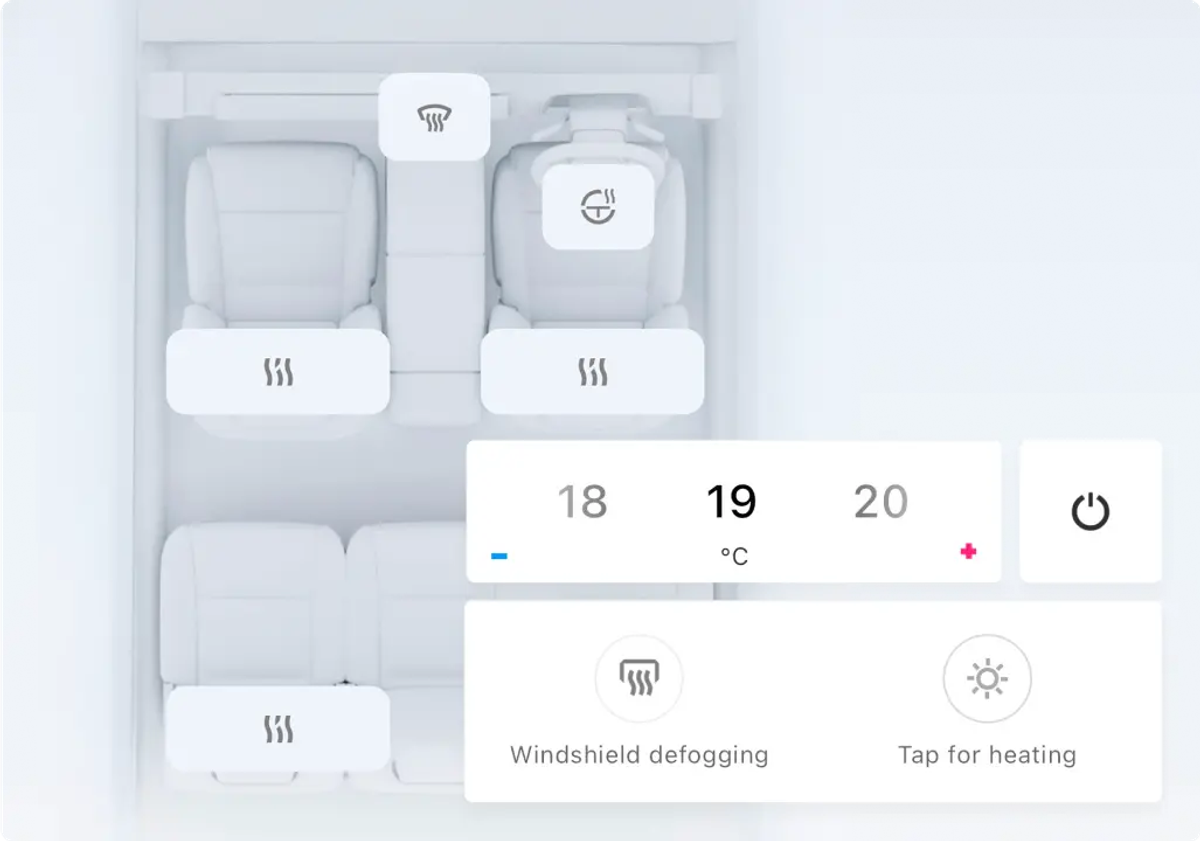
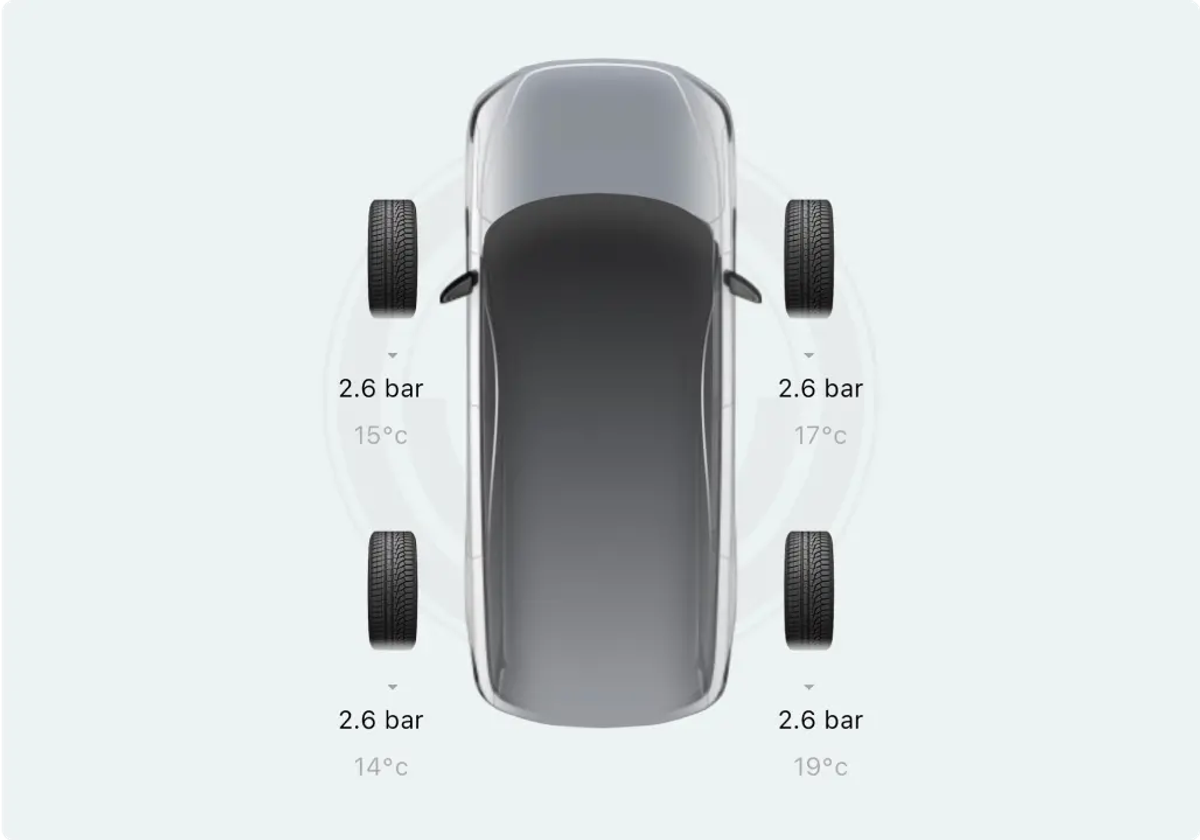
How to use the app
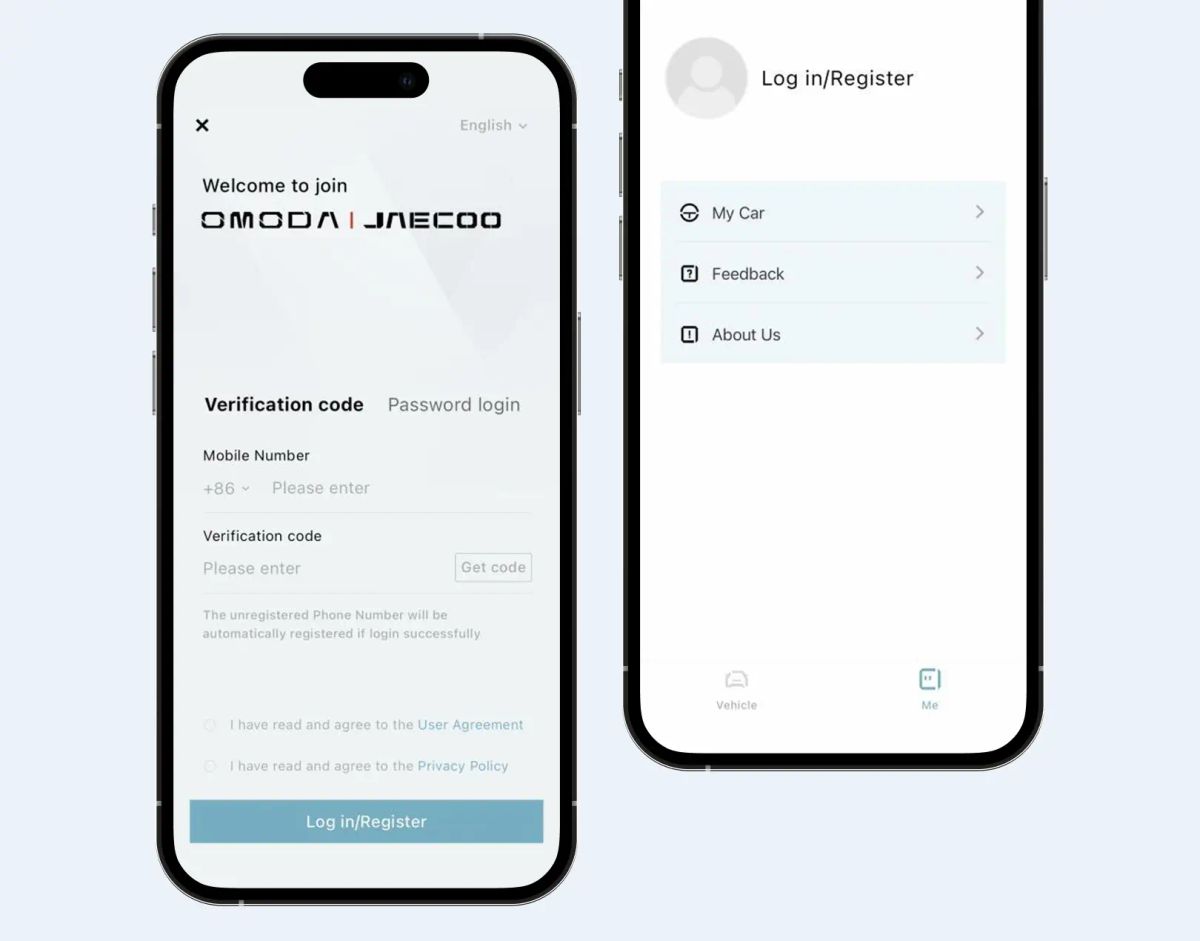
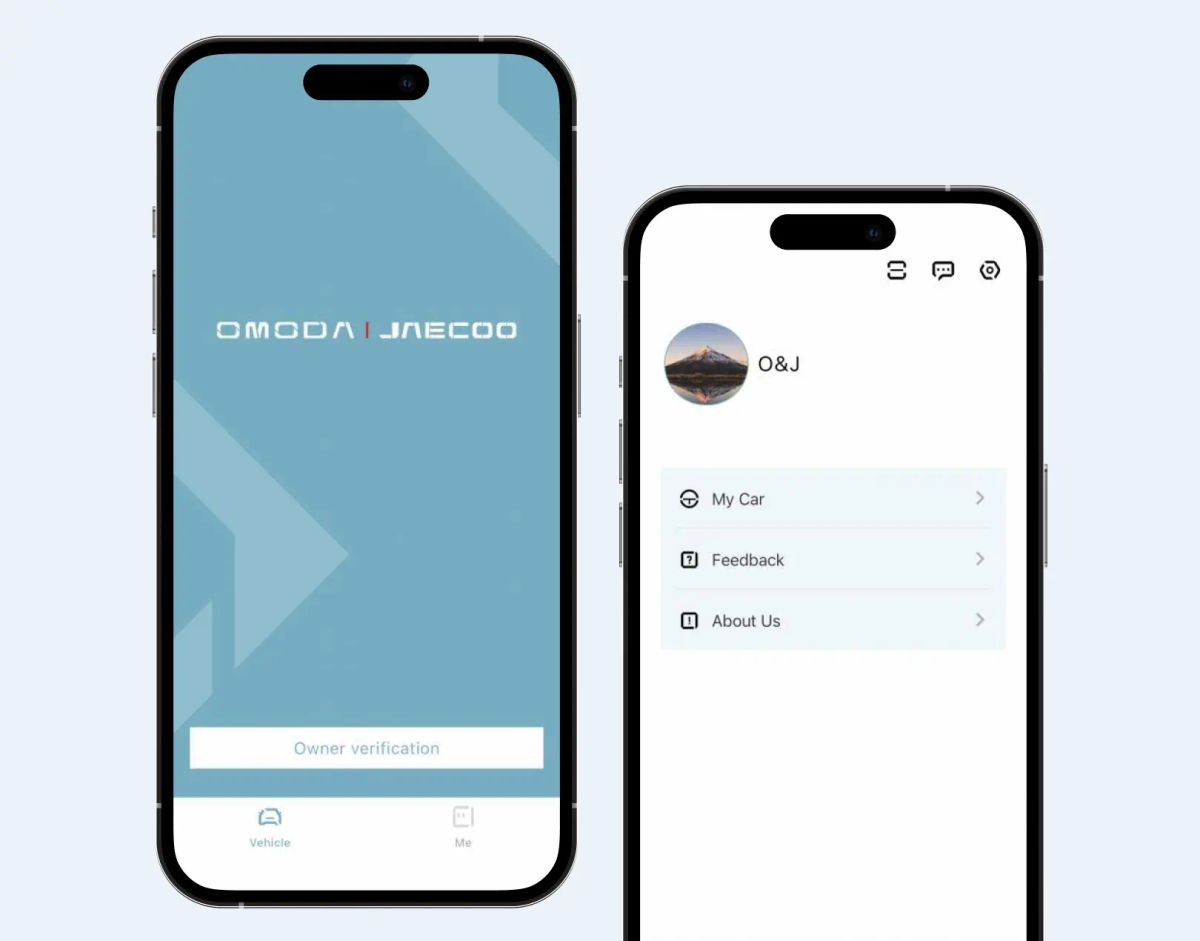
App Launch
Start the registration process in the app.
- Open the vehicle control app
- Tap the Profile tab at the bottom
- First-time users see the login/registration screen
- Register with your mobile number and verification code
- After account creation, you're automatically redirected to the main interface
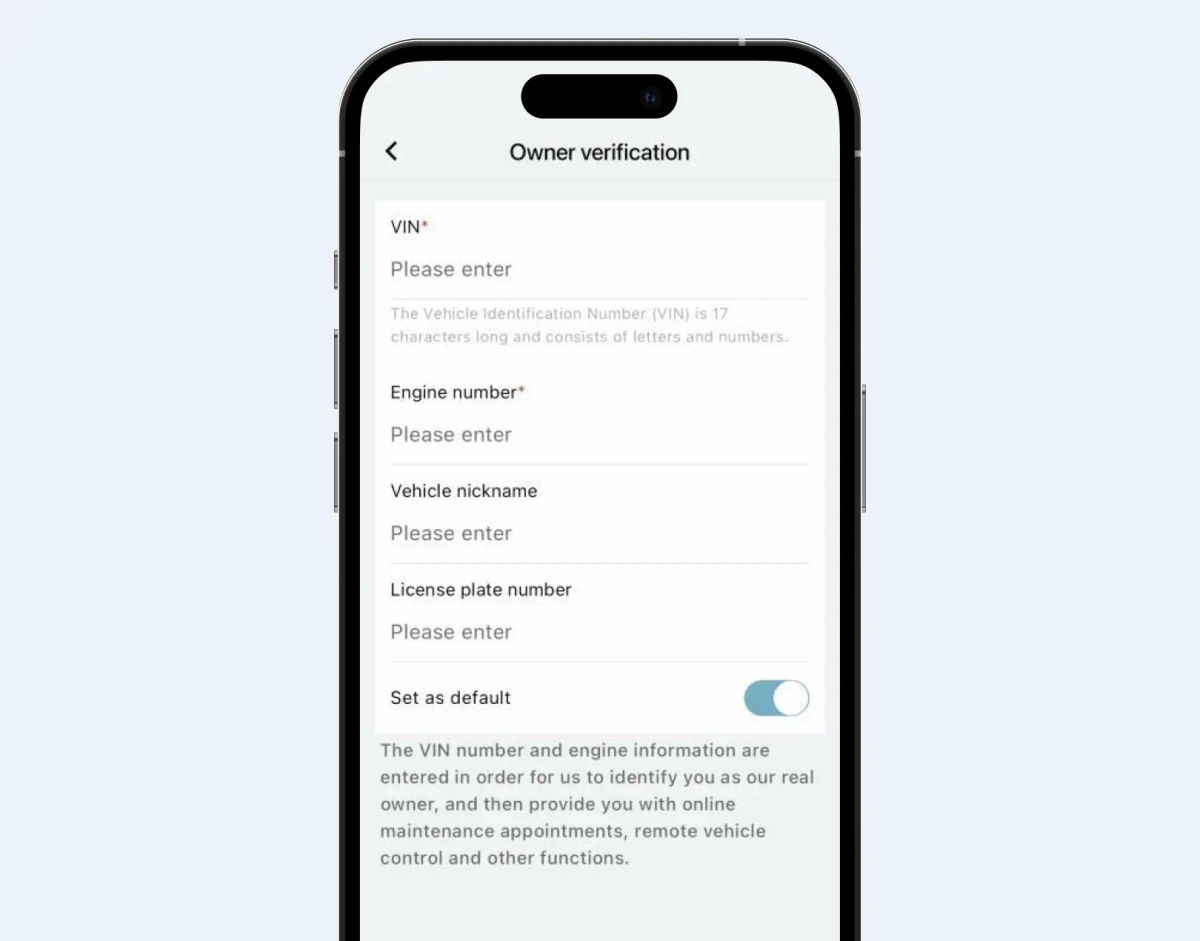
Vehicle Verification
Link your vehicle to your new account.
- Open the vehicle list and choose Add a vehicle
- Scan the VIN or enter it manually
- Confirm the model details shown on screen
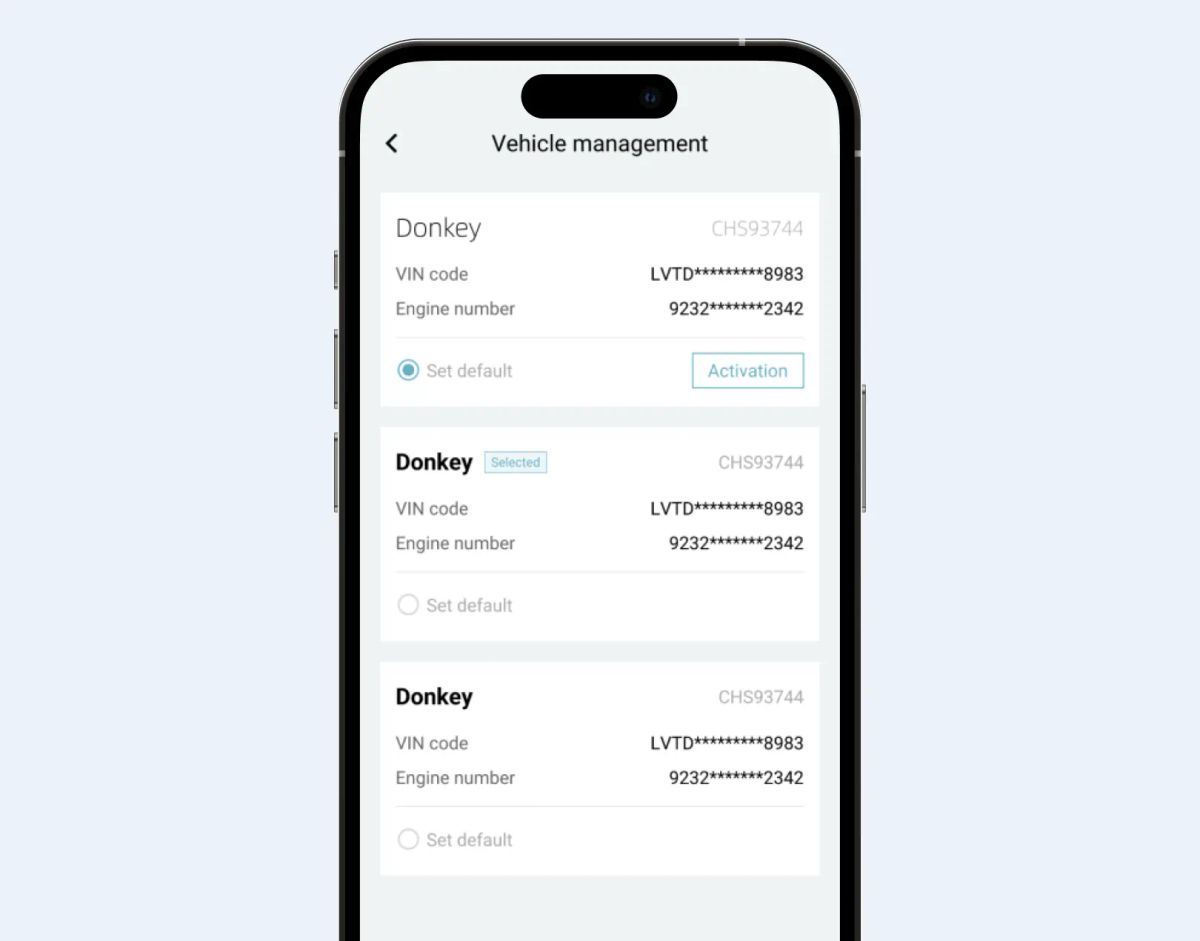
Info Submission
Provide the details needed to activate remote services.
- Enter the registered owner information
- Upload the supporting documents requested
- Submit for verification and wait for confirmation
Remote Control Setup
Enable remote features for your vehicle.
- Open the Remote Control menu
- Authorise the connection from inside the vehicle
- Test remote lock, climate and vehicle status
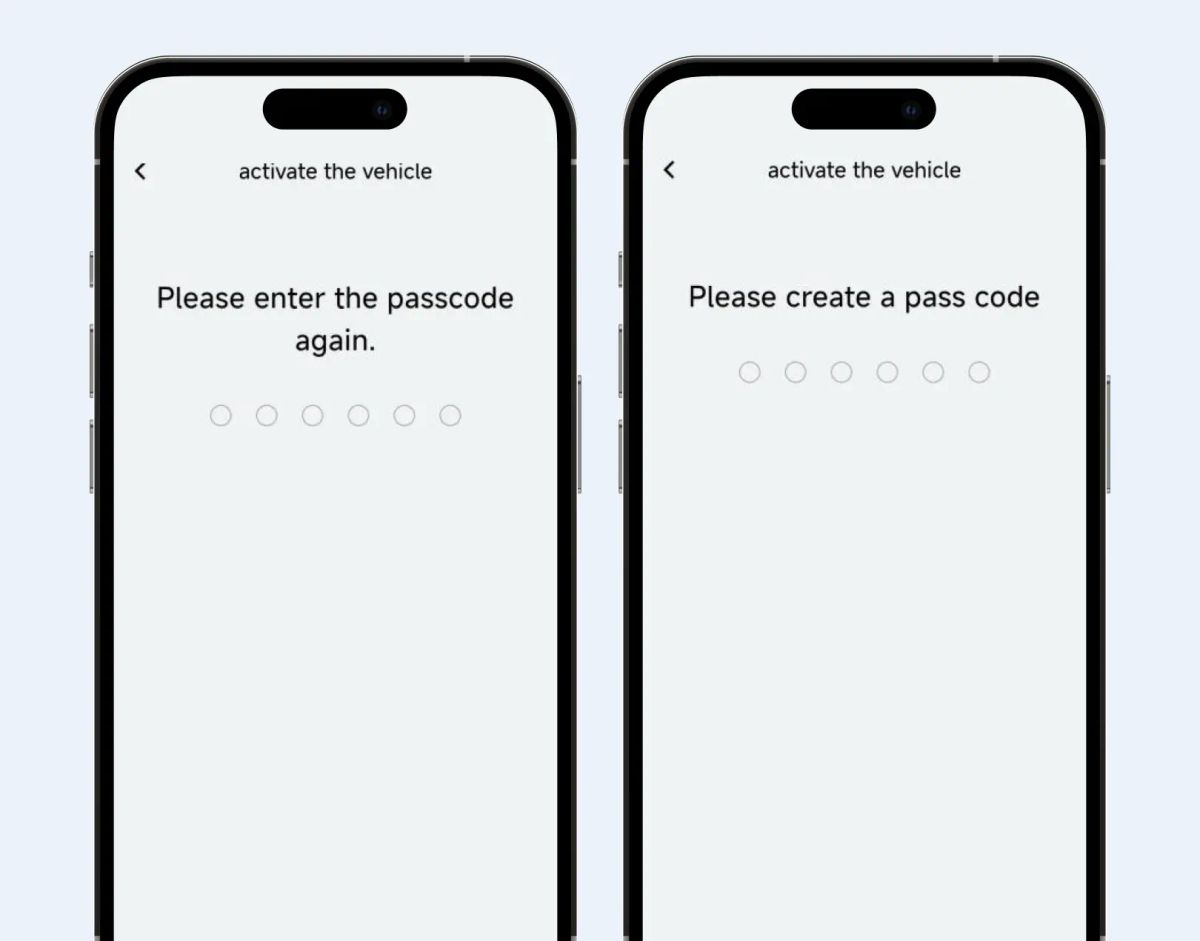
Set Passcode
Secure remote commands with a personal passcode.
- Choose a six-digit security passcode
- Confirm the passcode to finish setup
- Use it to authorise sensitive remote actions
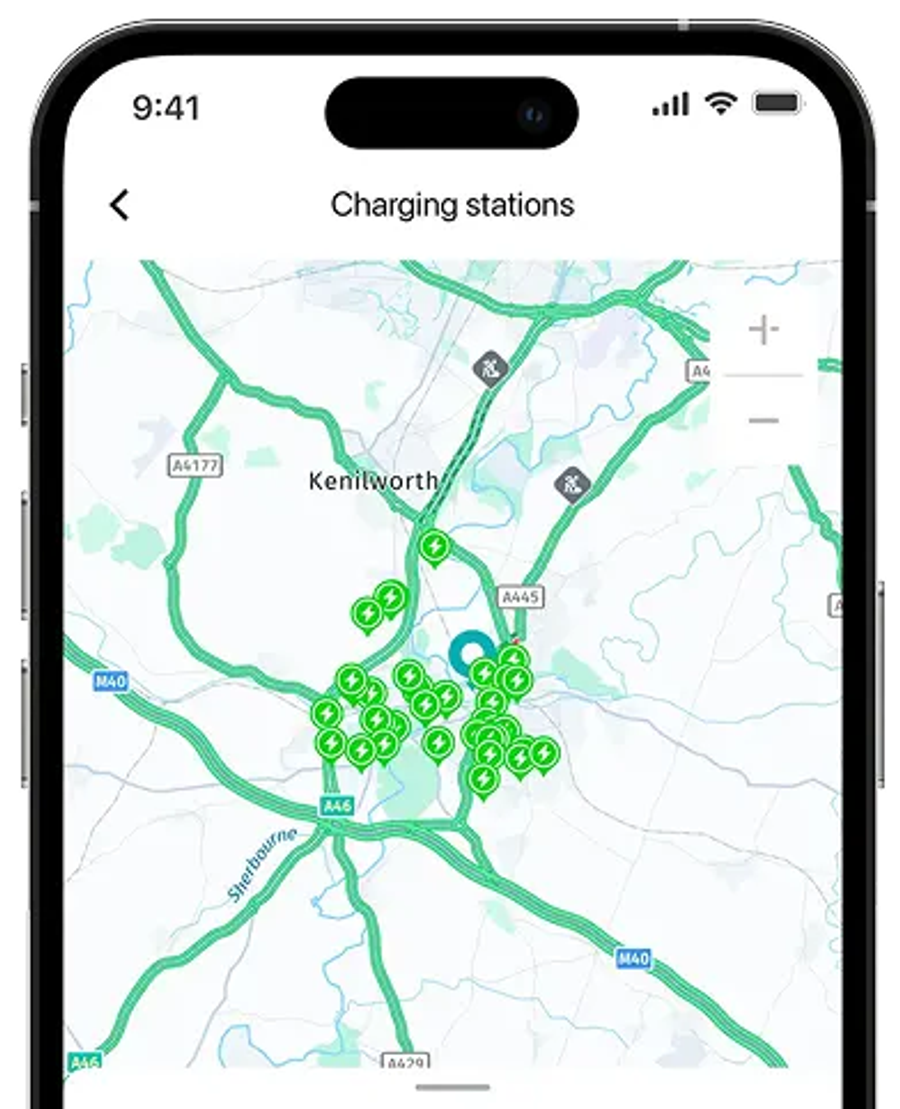
EV charger locations

- Plan your route by checking the location and availability of public charging stations.
- Send the location of the charge point directly to the in-built navigation inside the car.
Frequently Asked Questions
What can I do with the OMODA app?
The OMODA app puts you in control of your vehicle from the palm of your hand. Check your vehicle status, monitor tyre pressures, locate nearby charging points, and much more, all from one easy-to-use app.
How do I find EV charging points near me?
The app includes a built-in charging point locator, making it easy to find your nearest available charge point whether you're at home, at work, or out on the road.
Can I check my tyre pressures through the app?
Yes — the app allows you to monitor your tyre pressures in real time, alerting you if any adjustments are needed so you can stay safe and keep your vehicle performing at its best.
Is the app free to download?
Yes — the OMODA app is free to download and available on both iOS and Android devices. Simply search for OMODA in the App Store or Google Play to get started.
Download the app
Use the QR code below to install the app and unlock features like remote start, climate control, vehicle status, and more.